Toggle navigation
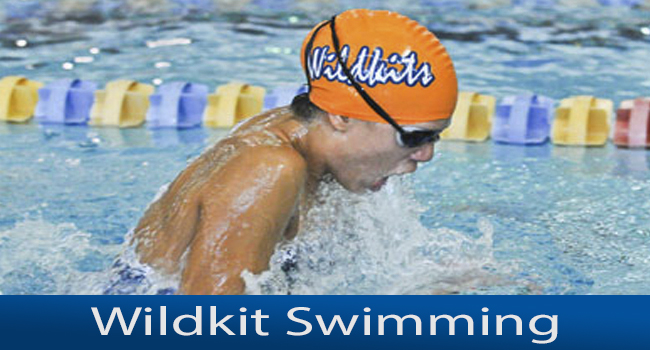
Wildkit Swimming
Learn To Swim
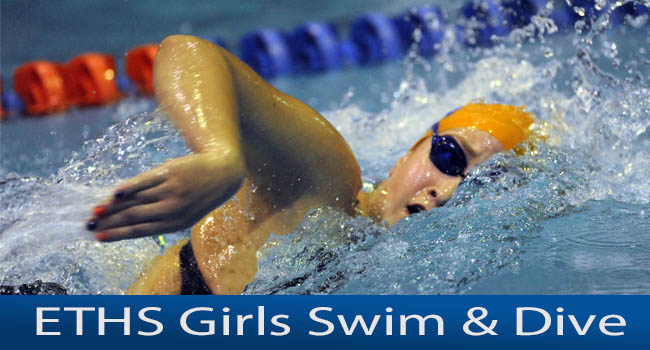
ETHS Girls
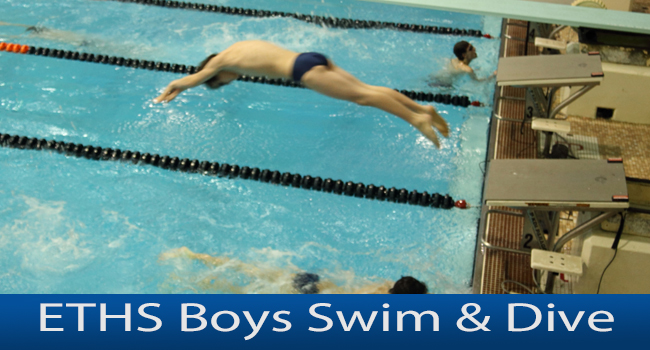
ETHS Boys
WSO Water Polo
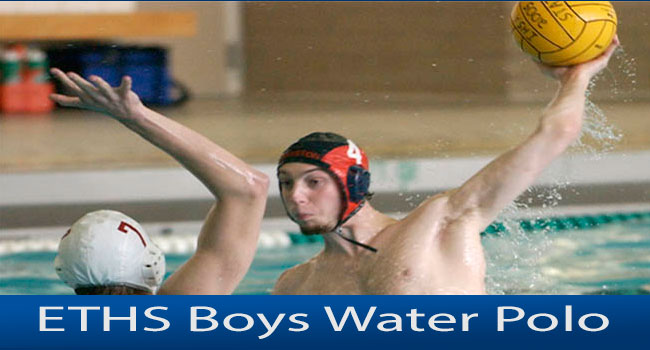
Boys Water Polo
Log In
Next Workout:
High School (Wed, Jun 10 6:00-9:00 am)
Gold (Wed, Jun 10 4:30-6:00 pm)
Platinum (Wed, Jun 10 4:30-6:00 pm)
Learn To Swim (Wed, Jun 10 9:00-9:30 am)
Silver (Thu, Jun 11 5:00-6:30 pm)
Bronze (Wed, Jun 10 4:30-6:00 pm)
State Qualifiers (Mon, Jul 20 6:30-8:00 pm)
Next Competition:
Munster Summer Splash Jun 19
Progress at Your Own Rate Swim Lessons
Taught and Supervised by Evanston's elite swimmers and coaches
We have a shallow, warmer pool and the high school state competition pool
Next Workout:
JVO (Mon, Aug 10 7:00-9:00 am)
JV (Mon, Aug 10 7:00-9:00 am)
Frosh (Mon, Aug 10 7:00-9:00 am)
Diving (Mon, Aug 10 7:00-9:00 am)
Varsity (Mon, Aug 10 7:00-9:00 am)
Next Competition:
Swimmer & Diver & Parent Meeting Aug 20
Next Workout:
Next Competition:
Glenbrook South Jan 18
Next Workout:
Next Competition:
Next Workout:
Next Competition:
Instructors Information
Instructor's Schedule
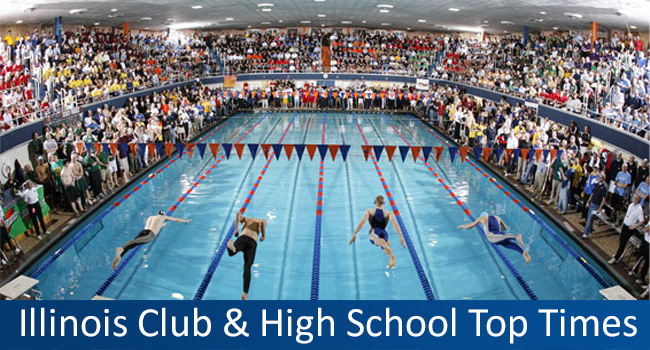
Top Times, Results, Video and Predictions from
Illinois High School Swimming and Diving
Make a Donation
Jump in the Water!
Ready to join a team? Check out the teams above. Or contact us below.